Overview
This section covers game development with the Untold Engine.
You'll learn how to create games using Untold Engine Studio, with two approaches for writing game logic:
- Swift in Xcode - Full engine API access (recommended)
- USC Scripts - Component-based scripting (experimental)
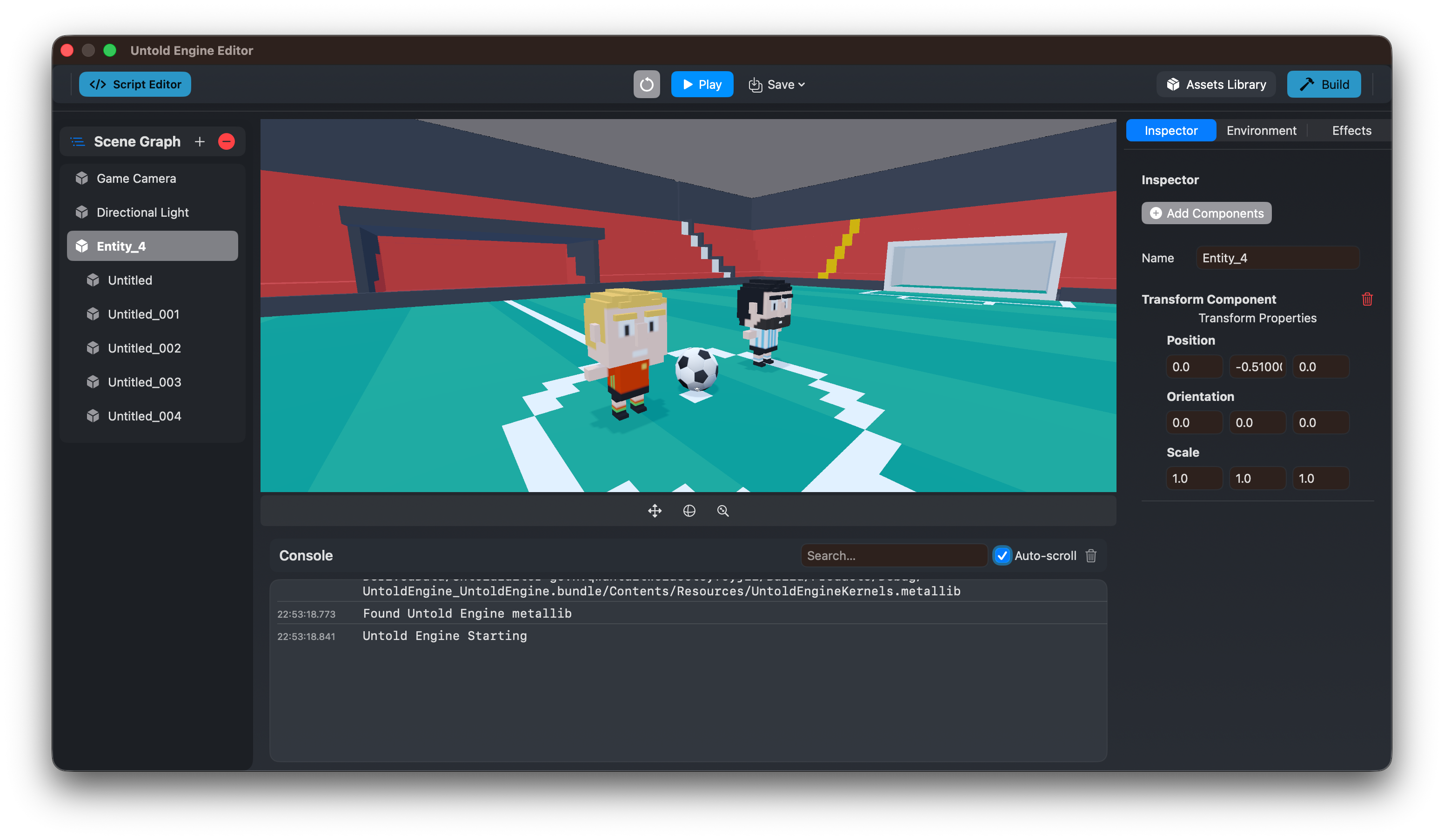
Two Approaches to Game Logic
Untold Engine gives you flexibility in how you write gameplay code:
Option 1: Swift in Xcode (Recommended)
Write game logic in GameScene.swift using the full Untold Engine Swift API:
- Complete control over game systems and performance
- Access to all engine features and APIs
- Seamless integration with Xcode debugging and profiling
- Best for complex games and experienced developers
Option 2: USC Scripts (Experimental)
Write component-based scripts that attach to entities:
- Simpler, component-oriented approach
- Good for prototyping and simple game mechanics
- Edit scripts in the integrated editor or Xcode
- API is experimental and subject to change
You can use both approaches in the same project.
The Development Workflow
A typical development workflow with Untold Engine Studio:
- Create a project using the "New" button in Untold Engine Studio
- Compose scenes visually using the editor
- Write game logic (Swift in
GameScene.swiftor USC scripts) - Add assets to the GameData/ directory
- Build & run in Xcode (Cmd+R)
- Iterate quickly with visual feedback
Entry Point 1: GameScene.swift (Swift)
When you create a project, you get a clean GameScene.swift file for writing game logic in Swift:
class GameScene {

    init() {
        // Configure asset paths
        setupAssetPaths()

        // Load game content
        loadBundledScripts()
        loadAndPlayFirstScene()

        // Start game systems
        startGameSystems()
    }

    func update(deltaTime: Float) {
        // Your game logic goes here
    }

    func handleInput() {
        // Handle user input here
    }
}
This is where your game comes to life. Write Swift code, access the full engine API, and build your game.
Entry Point 2: USC Scripts (Experimental)
Alternatively, write game logic as USC scripts that attach to entities:
Create USC scripts from the Script menu in Untold Engine Studio, then attach them to entities in the Inspector.
Project Structure
Your generated project has everything you need:
MyGame/
└── MyGame/
    ├── MyGame.xcodeproj         # Open in Xcode
    └── Sources/
        └── MyGame/
            ├── GameData/        # Assets location
            │   ├── Models/
            │   ├── Scenes/
            │   ├── Scripts/
            │   └── Textures/
            ├── GameScene.swift          # Your game logic ⭐
            ├── GameViewController.swift # Renderer setup
            └── AppDelegate.swift        # App entry
Focus on GameScene.swift - that's where your game lives.